



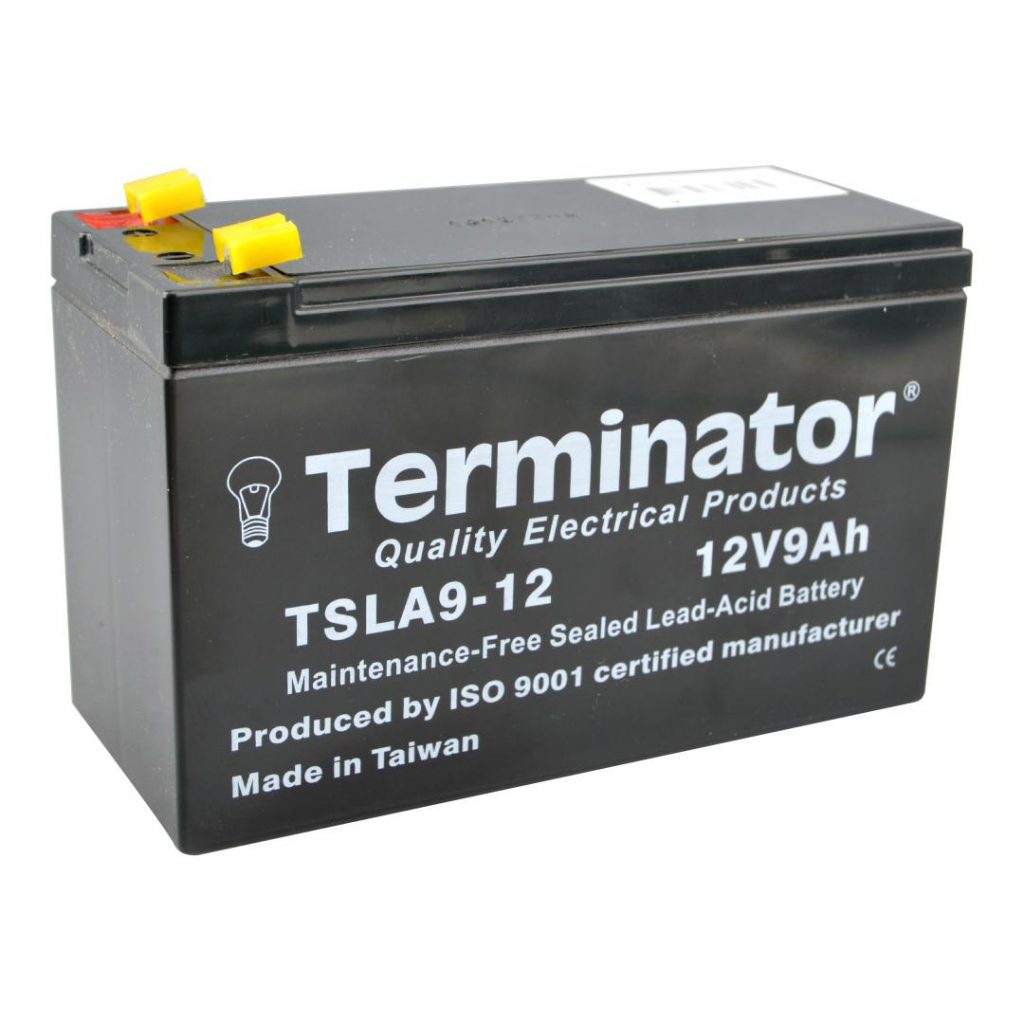
Sealed Lead Acid (SLA) batteries power many everyday devices, from emergency lights to alarm systems. They are reliable, but only if maintained properly. The good news? You don’t need to be a tech expert to keep them running longer. Follow these simple tips to maximize their lifespan.
1. Understand Your Battery’s Basics
Every SLA battery has a specific purpose and lifespan. Most last between 3 to 5 years with proper care. However, frequent deep discharges or improper charging can shorten this dramatically.
Start by checking the battery’s specifications. How much voltage does it need? What temperature range is safe? Knowing these basics helps prevent costly mistakes.
2. Keep the Battery Charged
SLA batteries hate being drained completely. Allowing the charge to drop below 50% regularly can damage the internal plates. Always recharge the battery after use.
If the battery powers a device used infrequently, check the voltage at least once a month. If the voltage drops below the recommended level (usually 12.6V for a 12V battery), recharge it immediately.
3. Use the Right Charger
Not all chargers are created equal. SLA batteries need a charger with a regulated voltage and current. Overcharging can cause overheating while undercharging leaves the battery weak.
Smart chargers are your best bet. They adjust the voltage and stop charging when the battery is full. This feature can extend the battery’s life significantly.
4. Avoid Extreme Temperatures
SLA batteries perform best in moderate temperatures. Both heat and cold can cause damage.
- Heat: High temperatures (above 77°F or 25°C) accelerate chemical reactions inside the battery, which can lead to swelling and reduced lifespan.
- Cold: Freezing temperatures slow the chemical reactions, reducing the battery’s performance.
Store your battery in a cool, dry place. If the device it powers is in a hot or cold environment, consider insulation or temperature controls.
5. Check for Corrosion
Corrosion on the battery terminals can reduce efficiency. Dirty or corroded terminals may prevent proper power flow.
Inspect the terminals regularly. If you see white or green buildup, clean it off with a mixture of baking soda and water. Use a soft brush for scrubbing and dry the terminals before reconnecting them.
6. Don’t Overload the Battery
Every SLA battery has a limit on how much current it can provide. Overloading it with high-power devices causes strain, heat, and potential damage.
Check the battery’s amp-hour (Ah) rating. Ensure connected devices don’t exceed this limit. Using multiple smaller batteries in parallel can help spread the load if needed.
7. Store Properly When Not in Use
If you’re not using the battery for an extended period, take extra care with storage. Disconnect it from any device to avoid phantom power drains.
Store it in a fully charged state and recharge every 3 to 6 months. Batteries left unused and uncharged for too long can enter a state called sulfation, where lead sulfate crystals form on the plates, reducing capacity.
8. Monitor Performance Regularly
Don’t wait until the battery fails to check its health. Use a multimeter to measure the voltage periodically. Healthy SLA batteries typically read between 12.6V and 13.8V when fully charged.
If the voltage drops quickly after a full charge or doesn’t hold a charge, it may be time for a replacement.
9. Know When to Replace
Even with the best care, SLA batteries don’t last forever. Signs that it’s time for a replacement include:
- Difficulty holding a charge
- Swollen or bulging casing
- Cracks or leaks
- Low voltage even after charging
Replacing the battery at the right time ensures your device continues to perform reliably.
Why Maintenance Matters?
Proper maintenance can double an SLA battery’s lifespan. Consider this: a poorly maintained SLA battery might only last 1-2 years, while a well-maintained one can reach or exceed 5 years. That’s more time, fewer replacements, and less money spent.
Additionally, extending battery life is eco-friendly. Batteries contain chemicals that can harm the environment if disposed of improperly. Using your SLA battery longer reduces waste and your environmental footprint.
Quick Recap of SLA Battery Maintenance Tips
- Keep it charged – Avoid deep discharges.
- Use a proper charger – Smart chargers work best.
- Avoid extreme temperatures – Store in cool, dry places.
- Clean terminals – Remove corrosion promptly.
- Watch the load – Don’t exceed the amp-hour rating.
- Store wisely – Recharge every 3-6 months during storage.
- Monitor performance – Regular voltage checks help catch issues early.
- Replace when needed – Know the signs of battery failure.
By following these simple steps, you’ll keep your SLA batteries running efficiently for years. It’s not just about saving money—it’s also about ensuring your devices are ready when you need them most. So take a few minutes to give your SLA batteries the care they deserve. They’ll thank you with better performance and a longer life!
