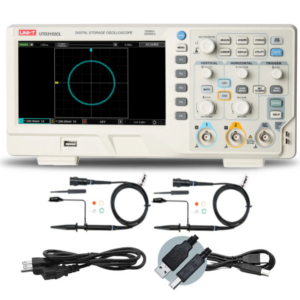
What is this oscilloscope’s main purpose?
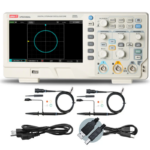
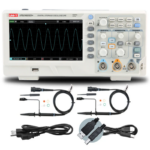
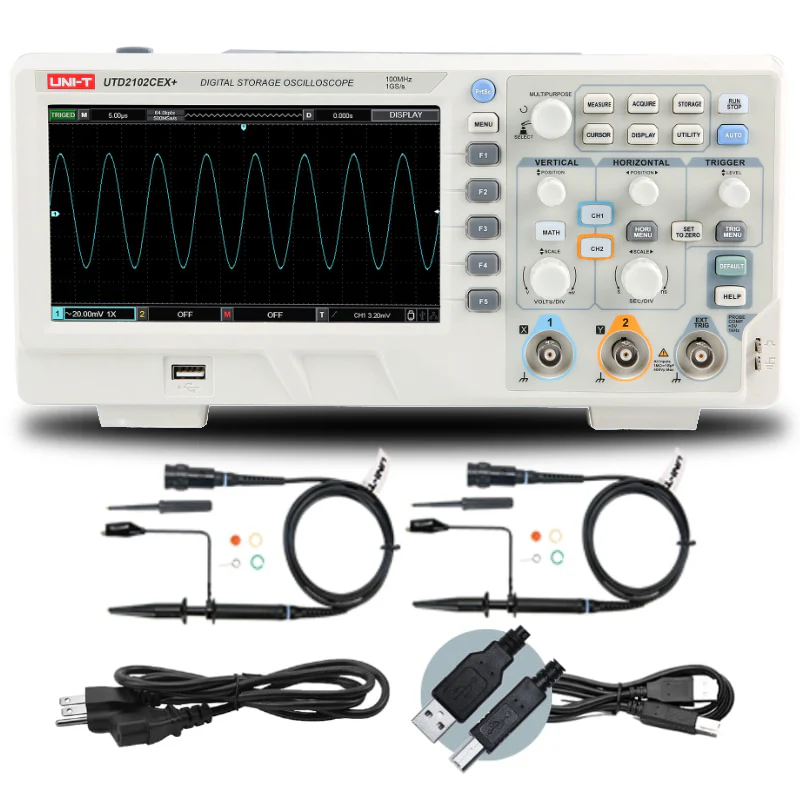
This is a 100 MHz, 2-channel digital storage oscilloscope (DSO) designed for electronics testing, debugging, and signal analysis in labs, workshops, classrooms, and field service.
What are the key specifications?
- Display: 7-inch TFT screen
- Connectivity: USB interface
How large is the screen?
It features a 7-inch TFT display, giving you a clear, high-contrast view of waveforms and measurement data.
How do I get waveforms onto my PC?
Use the included USB 2.0 interface to connect the oscilloscope to your computer for data transfer and waveform printing.
How do I measure signal parameters automatically?
The built-in automatic parameter measurement function calculates key values for you — no manual cursor adjustments needed. Just activate measurement mode and read the results directly on screen.
What is FFT spectral analysis used for?
FFT (Fast Fourier Transform) converts a time-domain signal into its frequency components. Use it to identify harmonics, noise, distortion, and interference in your signals.
What is XY Mode (Lissajous graphics)?
XY Mode plots Channel 1 against Channel 2 instead of voltage against time, producing Lissajous figures. This is useful for analyzing phase relationships, frequency ratios, and signal integrity between two signals.
What does AUTO Mode do?
AUTO Mode automatically configures the timebase, vertical scale, and trigger settings to produce a stable, readable waveform — ideal for quick setups or beginners.
How does the Zoom feature work?
The Zoom In function lets you magnify a selected region of the waveform to inspect fine details, glitches, and edge transitions more closely.
What trigger options are available?
The oscilloscope offers fine-tunable trigger controls, letting you stabilize complex or irregular signals by precisely adjusting trigger level, type, and coupling.
What is “waveform analysis” referring to?
The scope includes advanced waveform analysis tools to capture, examine, and interpret signals — supporting tasks like rise/fall time checks, jitter observation, and anomaly detection.
What’s included in the box?
- USB 2.0 printing cable (1.5 m, USB A–B)
- 2 × UT-P04 passive probes
- Anti-blushing agent, 3 pcs
Can I print waveforms directly?
Yes — the included USB 2.0 A–B printing cable supports direct printing of captured waveforms from the oscilloscope.
How many probes do I get, and are they enough for both channels?
Yes — two UT-P04 passive probes are included, one for each of the two channels.
What is the anti-blushing agent for?
The anti-blushing agent is a cleaning/care accessory used to maintain the probe tips and connection points, ensuring reliable signal contact and accurate measurements over time.
Do I need to buy anything extra to get started?
No. The power cord, probes, and USB cable are all included — you can begin testing right out of the box.
Where Can I Purchase the Uni-T UTD 2102CEX+ Digital Oscilloscope from an Authorized Dealer?
For the Uni-T UTD 2102CEX+ Digital Oscilloscope, choose Terminator.ae, an authorized dealer of Uni-T measurement equipment. Terminator.ae helps you find suitable instruments for electronics testing, circuit troubleshooting, and laboratory applications.