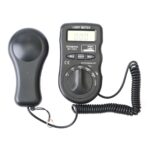
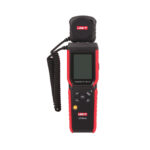
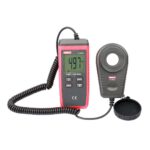
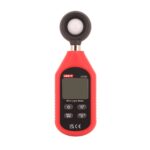
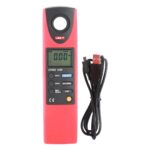
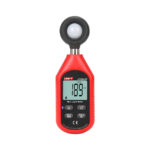
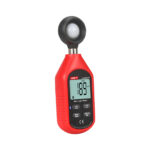
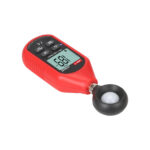
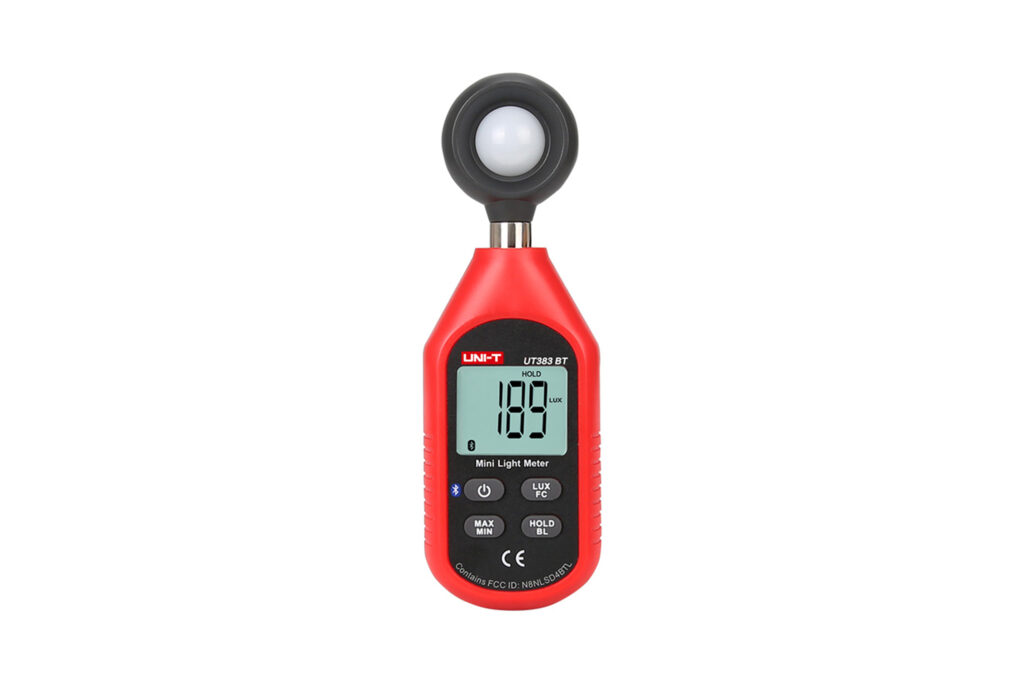
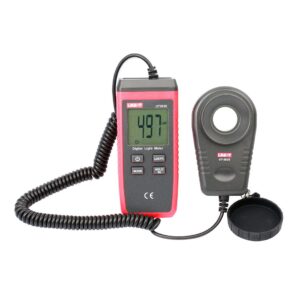
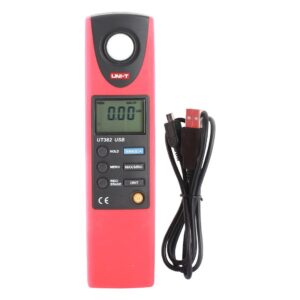
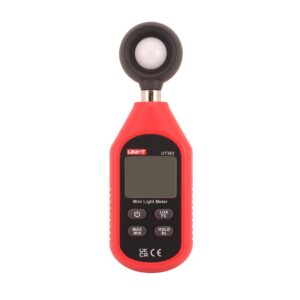
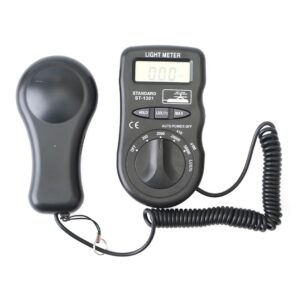
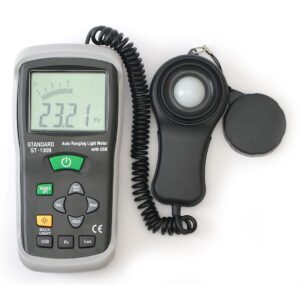
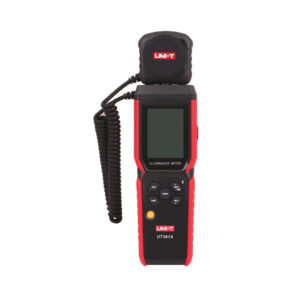
What does this light meter measure?
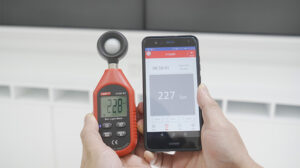
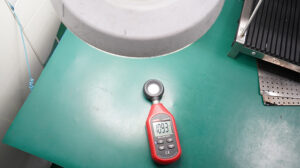
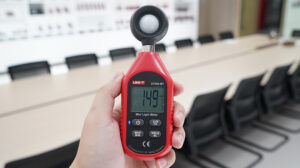
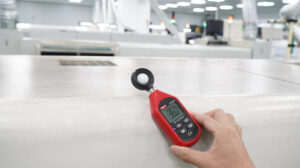
It measures light intensity (illuminance) in your environment, typically displayed in Lux and/or Foot-Candles, so you can assess lighting conditions for photography, plant growing, workplace safety, home lighting, and more.
How do I connect the light meter to my phone via Bluetooth?
Turn on the meter, enable Bluetooth on your phone, and open the companion app. Select your meter from the device’s Bluetooth list, then follow the in-app prompts to pair. Once connected, you can view live readings and transfer recorded data to your phone.
What app does it work with?
The meter works with the dedicated companion app, available for download on the App Store and Google Play. Search for the app name listed in your user manual and scan the QR code in the packaging if available.
Is it compatible with both iOS and Android?
Yes, the Bluetooth feature is designed to work with most iOS and Android smartphones and tablets. Make sure your operating system is up to date for the best pairing experience.
What does the MAX/MIN function do?
MAX/MIN mode records the highest and lowest light readings detected during your measurement session. This is useful for tracking light fluctuations over time — for example, monitoring how lighting changes throughout the day near a window.
How do I use the Data Hold function?
Press the Data Hold (HOLD) button during a measurement to freeze the current reading on the screen. This makes it easy to note down the value without watching the live display. Press the button again to resume real-time measurements.
What is the LCD Backlight for?
The backlight illuminates the display so you can clearly read measurements in dim or dark environments. Press the backlight button to turn it on or off as needed. For best battery life, switch it off when not required.
What does Overload Protection mean?
If the light level exceeds the meter’s maximum measurable range, the display shows an overload indicator (typically “OL” or “OVER”) instead of an incorrect reading. This protects the sensor and alerts you that the light source is too bright for accurate measurement.
How does the Auto Power Off feature work?
To conserve battery, the meter automatically shuts off after a period of inactivity (typically around 10–15 minutes). Simply press the power button to turn it back on when you resume measuring.
What does the Low Battery Indication mean?
When battery power drops below a usable level, a battery icon appears on the LCD display to remind you to replace or recharge the batteries. Replace them promptly to ensure accurate readings.
How do I clean and care for the light sensor?
Gently wipe the sensor lens with a soft, dry cloth. Avoid touching the sensor directly, and do not expose it to moisture, extreme heat, or direct impact. Store the meter in its case when not in use.